• Pricing
Talk to Us
Menu
Pricing

Broadcast Messaging Software That Delivers Personalized Campaigns at Scale


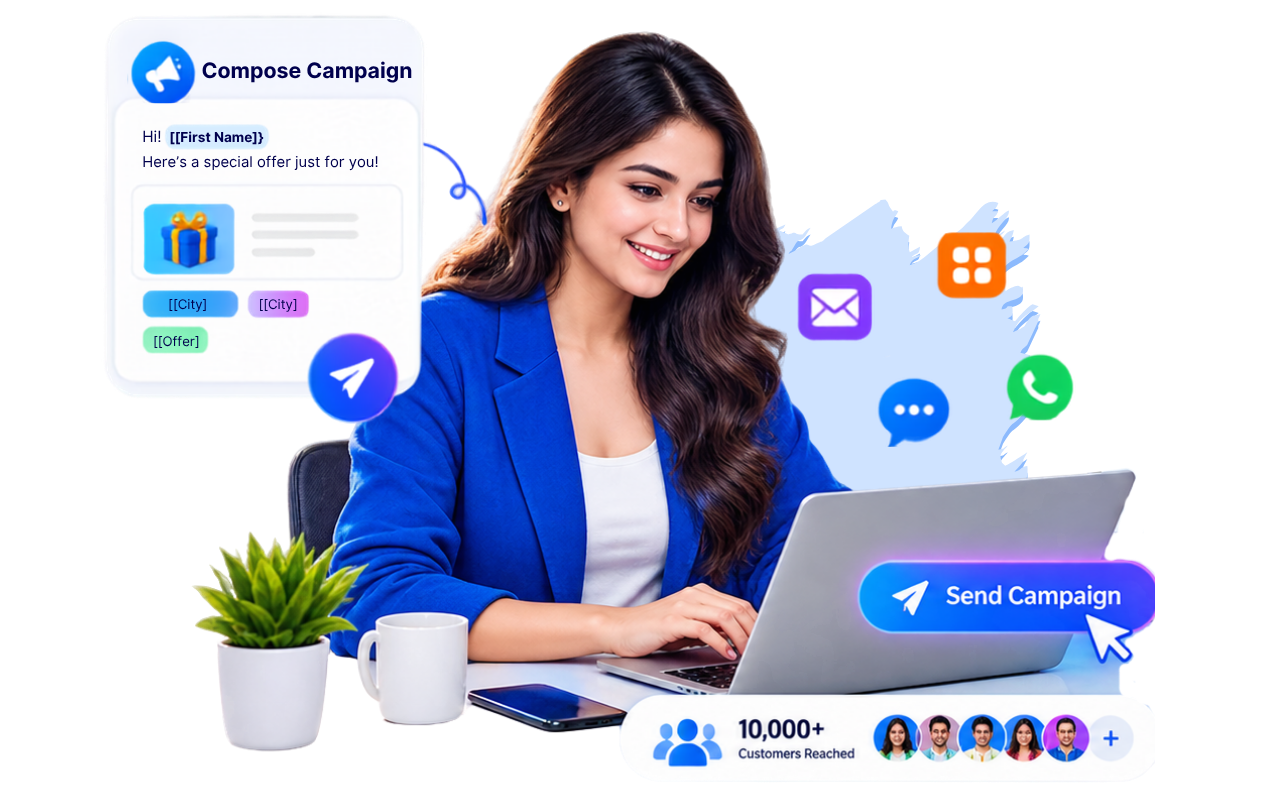
Send personalized WhatsApp, SMS, email, and in-app broadcasts from one platform. Create targeted campaigns, reach thousands of customers instantly, personalize every message with dynamic variables, and track campaign performance in real time.
Start Free Trial

Trusted by Sales, Marketing, Support, and Customer Success Teams to engage customers faster and increase campaign ROI
.

CRM Benefits

✔ Broadcast across multiple channels
✔ Personalize every message
✔ Schedule campaigns
✔ Track delivery & engagement
✔ Target the right audience
✔ Increase response rates

Trusted by Growing Businesses Worldwide

Icon
Icon
Icon
Icon
Icon
Icon
Icon
Icon
Icon
Icon
Icon
Icon
Icon
Icon
Icon
Icon
Icon
Icon
Icon
Icon
Icon
Icon
Icon
Icon
Icon
Icon
Icon
Icon
Icon
Icon
Icon
Icon
Icon
Icon
Icon
Icon
Icon
Icon
Icon
Icon

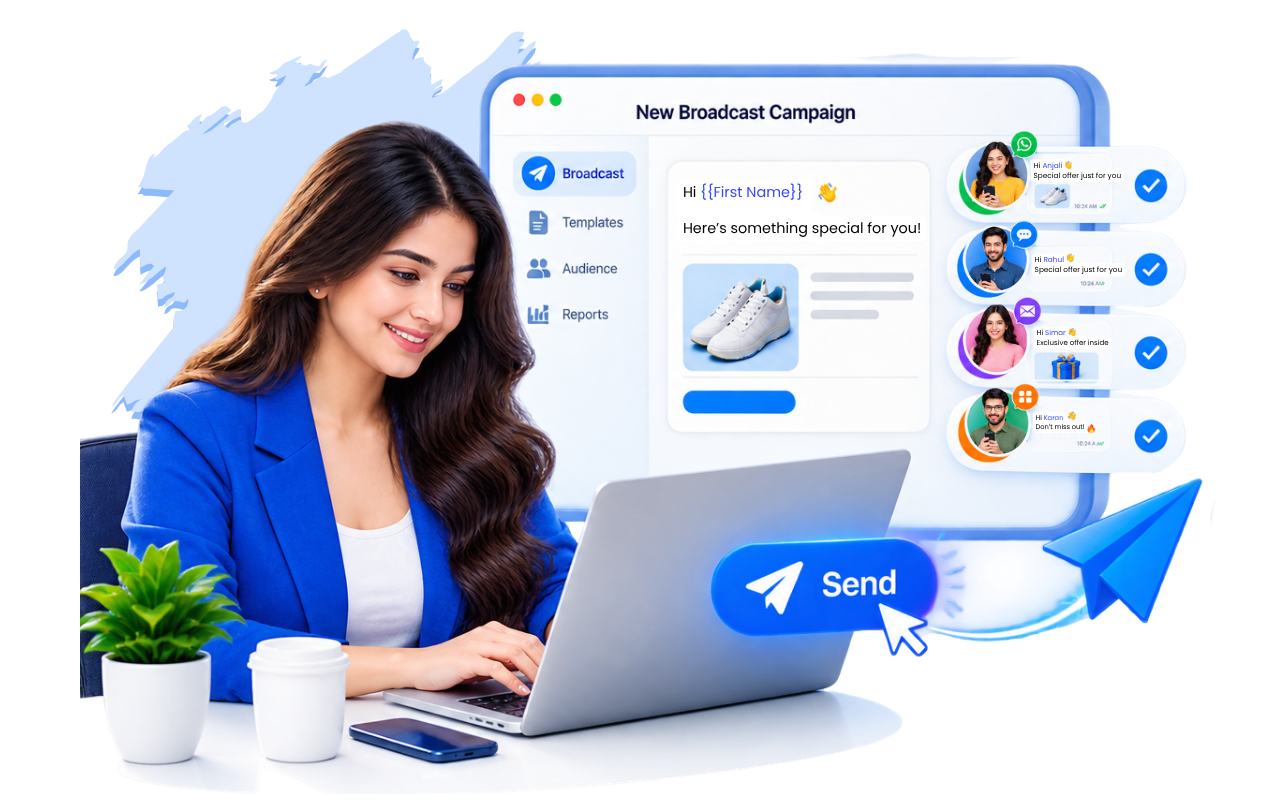
Launch Personalized Broadcast Campaigns in Minutes

Managing customer communication shouldn't require switching between multiple tools.

FAB CRM lets your team create, personalize, schedule, and monitor broadcast campaigns from a single dashboard. Whether you're sending product launches, payment reminders, offers, appointment confirmations, or follow-ups, every customer receives a message tailored to them.
Sample product

Why Businesses Choose FAB CRM Broadcast Messaging

Reach Thousands Instantly
Send campaigns to thousands of contacts across supported channels with just a few clicks.
Personalize Every Message
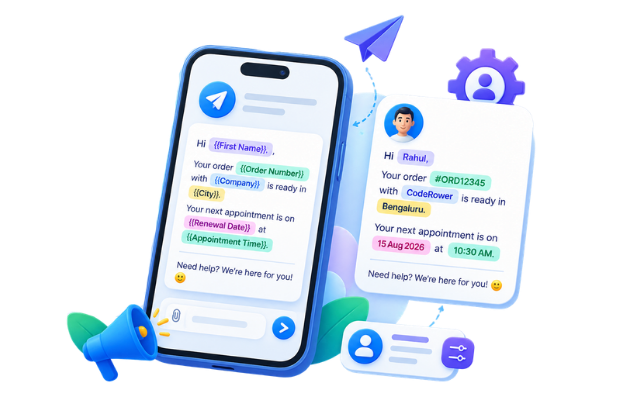
Use variables like customer name, company, appointment date, or order number to make every broadcast feel one-to-one.
Improve Engagement
Target the right audience using tags and dynamic customer segments instead of sending generic campaigns.
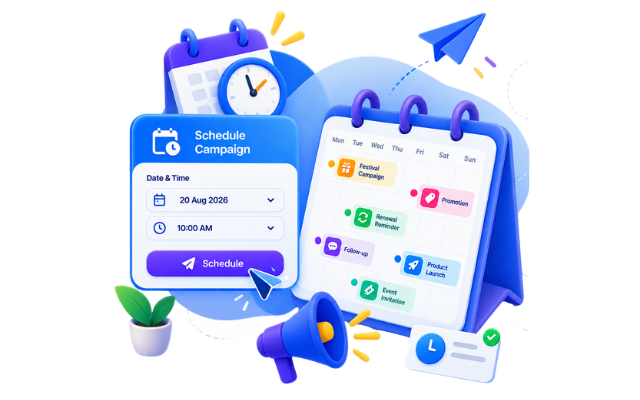
Schedule Campaigns
Plan broadcasts in advance and automatically send messages at the best time.
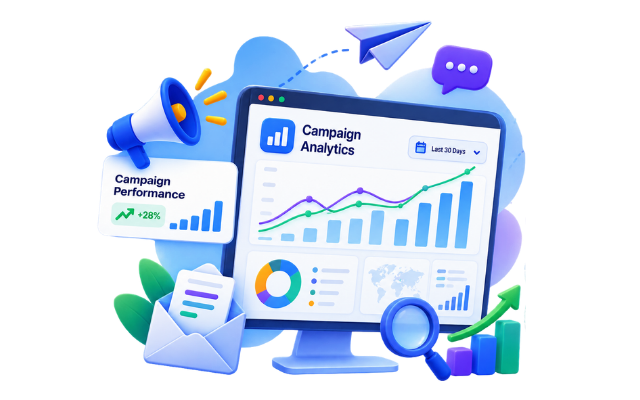
Measure Campaign Performance
Track deliveries, opens (where supported), clicks, replies, conversions, and campaign success from one dashboard.
Stay Compliant
Manage opt-ins, customer preferences, and messaging policies while maintaining consistent communication.

Everything You Need to Run Successful Broadcast Campaigns

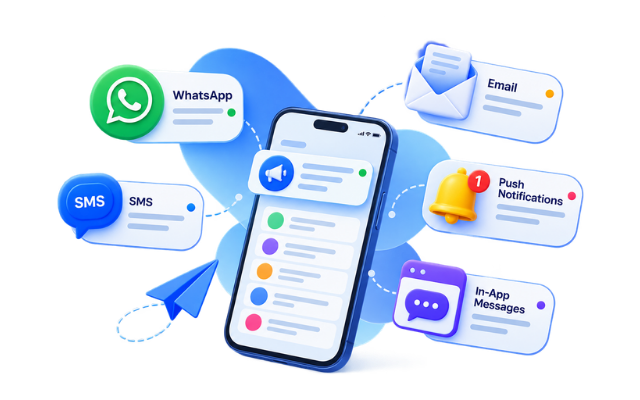
Reach customers through:

  • WhatsApp
  • SMS
  • Email
  • Push Notifications
  • In-App Messages

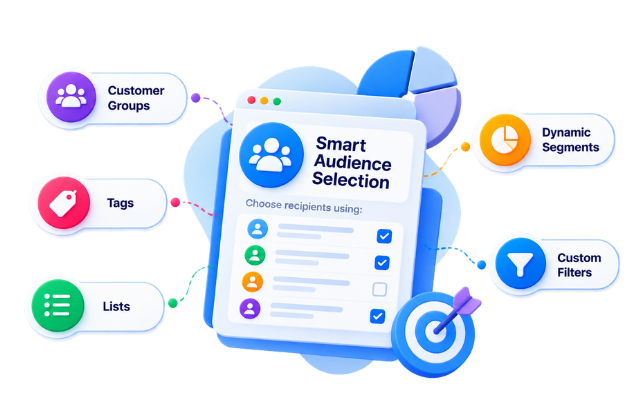
Choose recipients using:

  • Customer Groups
  • Tags
  • Dynamic Segments
  • Lists
  • Custom Filters

Personalize broadcasts with:

  • First Name
  • Company
  • City
  • Order Number
  • Renewal Date
  • Appointment Time
  • Custom CRM Fields  

Schedule campaigns for:

  • Festivals
  • Promotions
  • Renewals
  • Follow-ups
  • Product Launches
  • Event Invitations Enter your text here

Monitor:

  • Sent Messages
  • Delivered
  • Failed
  • Read
  • Clicked
  • Replied
  • Conversions

How FAB CRM Broadcast Messaging Works

Running personalized campaigns is simple with a streamlined workflow designed for modern sales and marketing teams.

Step 1 — Import or Sync Contacts

Import customer lists or automatically sync contacts from your CRM, website forms, or integrations.
Icon

Step 2 — Organize Your Audience

Use tags, groups, filters, and dynamic segments to create highly targeted recipient lists.
Icon

Step 3 — Create Your Campaign

Choose the communication channel, write your message, and add dynamic variables to personalize every interaction.
Icon

Step 4 — Schedule or Send Instantly

Launch campaigns immediately or schedule them for the most effective date and time.
Icon

Step 5 — Track Results

Monitor deliveries, engagement, replies, and conversions through real-time campaign analytics.
Icon

Step 6 — Optimize Future Campaigns

Use campaign insights to refine targeting, improve messaging, and increase ROI over time.

Broadcast Smarter with Intelligent Audience Targeting

Don't send the same message to everyone.

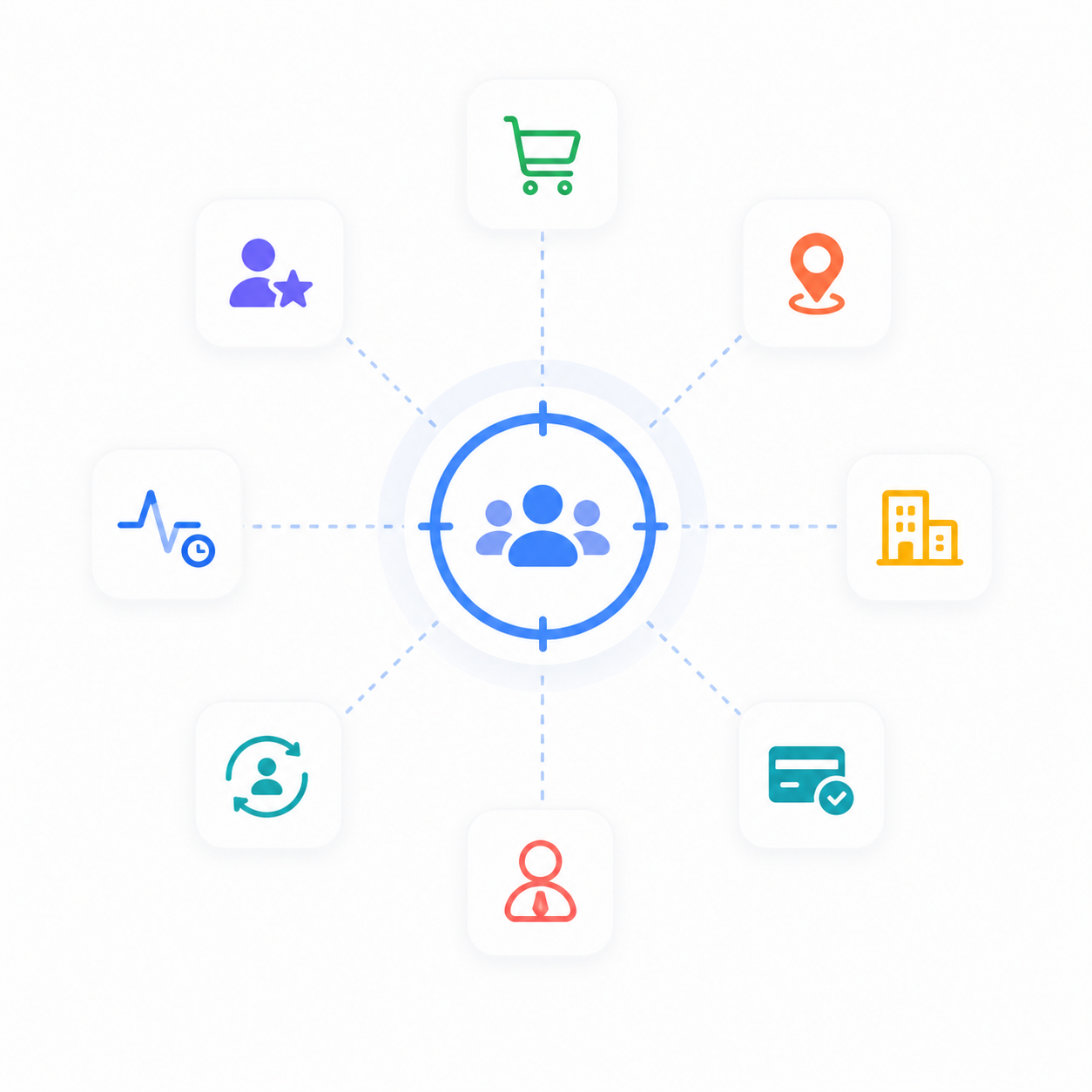
  • Target customers based on:
  • Purchase History
  • Lead Status
  • Location
  • Last Activity
  • Industry
  • Customer Lifecycle
  • Subscription Status
  • Assigned Sales Representative

Deliver more relevant campaigns that improve engagement and reduce message fatigue.
Integrates with Your Existing Business Tools

Examples:

  • WhatsApp Business API
  • Email Platforms
  • SMS Gateways
  • CRM Modules
  • ERP Systems
  • Payment Platforms
  • Calendars
  • Web Forms
  • APIs
  • Webhooks

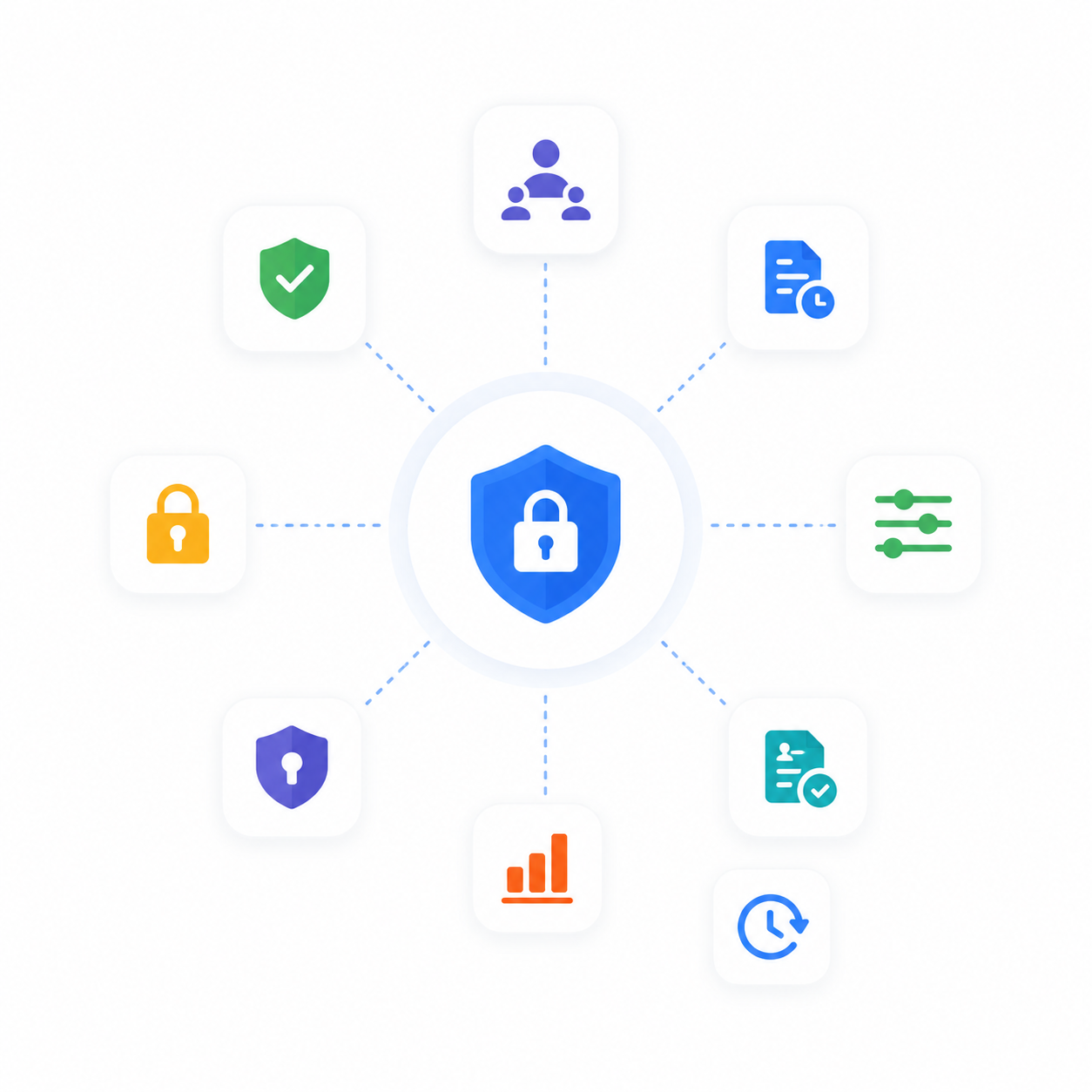
Security & Compliance

Business communication requires enterprise-grade reliability.

FAB CRM helps you with:
  • Role-based access
  • Secure customer data
  • Audit logs
  • Permission controls
  • Data encryption
  • Consent management
  • Campaign history
  • Activity tracking

Broadcast Messaging vs Bulk Messaging: What's the Difference?

Many businesses use the terms broadcast messaging and bulk messaging interchangeably, but they are not the same.
Feature
Broadcast Messaging
Traditional Bulk Messaging
Personalization
✅ Dynamic variables for each recipient
❌ Same message for everyone
Audience Targeting
✅ Dynamic segments, tags, filters
⚠ Static contact lists
Multi-Channel Support
✅ WhatsApp, SMS, Email & more
⚠ Usually limited to one channel
Campaign Scheduling
✅ Advanced scheduling
⚠ Basic or limited
CRM Integration
✅ Customer history and context
❌ Usually unavailable
Automation Analytics
✅ Workflow-based campaigns
❌ Manual sending
Customer Experience
✅ Delivery, replies, conversions Personalized and relevant

⚠ Basic delivery reports 

Generic messaging 

Best Practices for High-Performing Broadcast Campaigns

The success of a campaign depends on more than just sending messages. Follow these best practices to improve engagement and customer experience.
Personalize Every Message
Use customer-specific details such as names, company names, renewal dates, or appointment times to make every communication more relevant.
Segment Your Audience
Avoid sending one campaign to everyone. Create targeted audiences using customer behavior, lifecycle stage, purchase history, location, or lead status.
Send at the Right Time
Schedule broadcasts during business hours or when your audience is most likely to engage.
Keep Messages Clear
Write concise, actionable messages with one clear objective and a strong call-to-action.
Monitor Campaign Performance
Review delivery rates, replies, clicks, and conversions after every campaign to optimize future broadcasts.
Respect Customer Preferences
Only send messages to customers who have opted in and provide a simple way for them to manage communication preferences.

Why Marketing Teams Love FAB CRM Broadcast Messaging

Modern marketing teams need more than a bulk messaging tool. They need a platform that combines audience intelligence, personalization, automation, and reporting in one place.

  • With FAB CRM, teams can:
  • Launch campaigns faster without manual work
  • Build targeted audiences using CRM dat
  • Personalize every message at scale
  • Coordinate campaigns across multiple communication channels
  • Measure campaign performance in real time
  • Improve customer engagement with data-driven optimization


Whether you're announcing a product launch, sending appointment reminders, promoting limited-time offers, or nurturing leads, FAB CRM helps you deliver the right message to the right audience at the right time.

Common Broadcast Messaging Use Cases

Businesses use broadcast messaging for a wide variety of customer communication scenarios.
Sales & Marketing
  • Promotional campaigns
  • Product launches
  • Lead nurturing
  • Cross-selling
  • Upselling
  • Customer Support
Customer Support
  • Service updates
  • Ticket notifications
  • Maintenance alerts
  • Feedback requests
Customer Success
  • Onboarding messages
  • Renewal reminders
  • Feature announcements
  • Customer education
Operations
  • Payment reminders
  • Appointment confirmations
  • Delivery updates
  • Internal notifications

Stop Sending Generic Messages


Create personalized broadcast campaigns that customers actually open, read, and respond to.

FAQ

Frequently Asked Questions

Broadcast messaging software lets businesses send a single campaign to multiple recipients across channels like WhatsApp, SMS, and email while managing personalization, scheduling, and reporting from one platform.

Yes. Use dynamic variables to automatically insert customer-specific information such as names, appointment dates, company names, or order details.

Yes. Schedule broadcasts for future dates and times to reach customers when engagement is highest.

Yes. Target campaigns using customer groups, tags, filters, and dynamic segments.

Depending on your setup, broadcasts can be sent through WhatsApp, SMS, email, push notifications, and other connected communication channels.

Yes. Monitor delivery status, engagement metrics, replies, and overall campaign performance through a centralized dashboard.

Absolutely. Small businesses can automate customer communication, while larger organizations can scale campaigns across multiple teams and regions.

Personalized and well-targeted campaigns are more relevant to recipients, which can lead to higher open rates, better response rates, and stronger customer relationships.

DISCOVERCase StudiesPricingTerms & ConditionPrivacy Policy
SERVICESCustomizationHostingConsultationProfessional ServicesHire a Developer
ECOSYSTEMHackathonKnowledgeAffiliate
PRODUCTFAB StudioFAB CRMAnalyticsPage Pilot
CONNECTWhatsApp CommunityDiscord CommunityBlogsLinkedInTwitterFacebookYouTubeInstagram
COMPANYAbout UsCareerInvestorSupportContact Us
Copyright 2026 ©. All right reserved.