IN APP ANNOUNCEMENTS & STORIES Banners, Modals & Stories for Every Kind of Update
Emails go unread. Push notifications get dismissed. But in-app messages get seen. FAB Page Pilot lets you reach users directly inside your product with banners, modals, and Stories—so every update gets noticed at the right moment.
 Banners for the Things Everyone Needs to KnowTop of screen or bottom of screen banners work well for feature launches, maintenance windows, important reminders, or anything time sensitive. They keep the message visible without taking users away from what they are doing, making them useful when you want everyone to notice an update without interrupting their workflow.  Modals & Slideouts for the Bigger StuffWhen a banner's one line isn't enough, switch to a modal or slideout. You get more room for a screenshot, a short explainer, supporting details, and a CTA that sends users straight to the new feature. This gives you a better way to explain changes that need a little more context without relying on a separate email or help article. 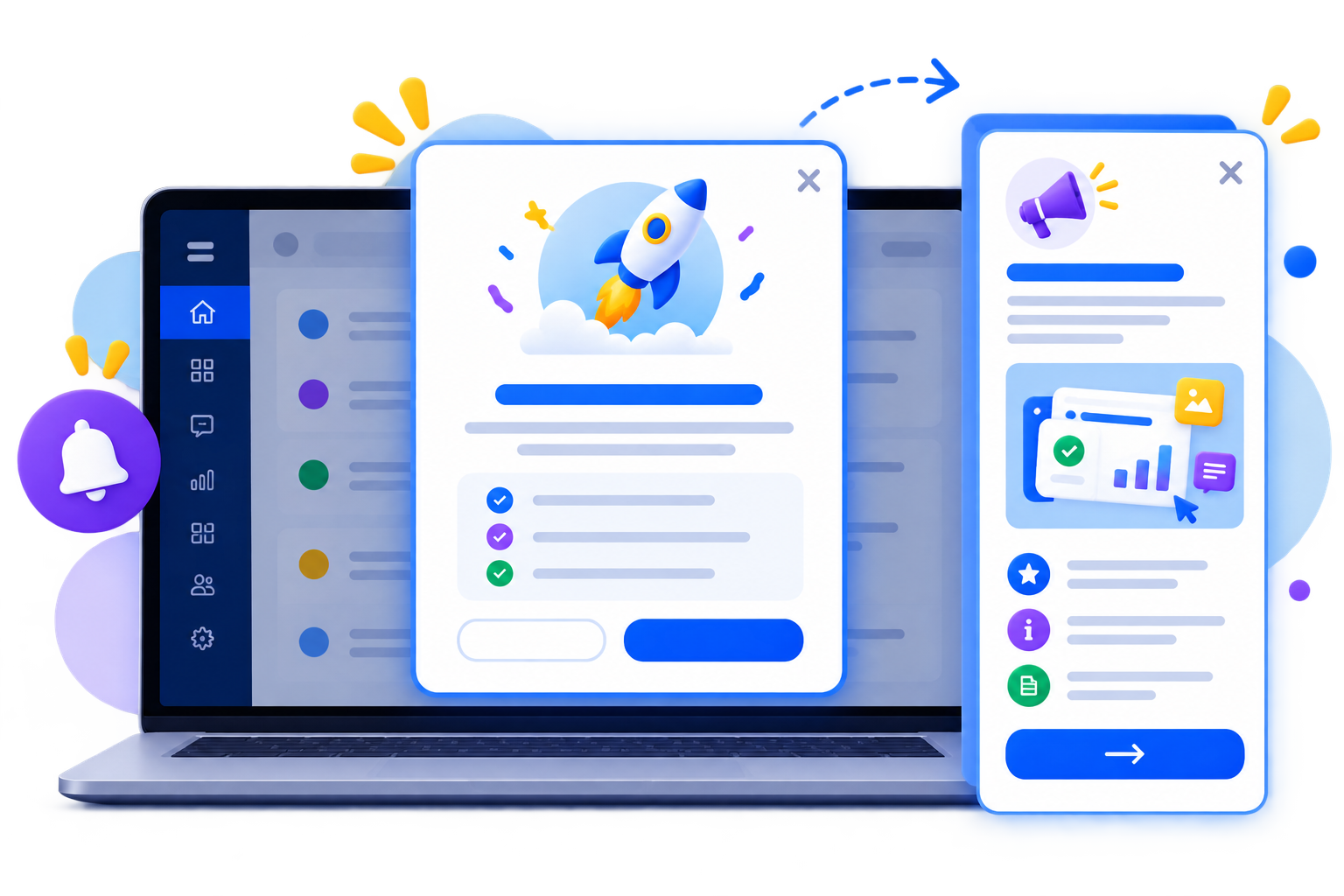 Stories for Updates Users Actually Stop to Look AtFor updates worth more than a one liner, Stories turn feature news into short, visual, easy to consume content built to get noticed, not skipped. You can use them when a new feature or product update deserves more attention than a simple banner can provide. The format gives users a quick way to understand what has changed while keeping the announcement inside the product.  Show It Only to the Users It's Relevant ToWhichever format you use, target it by user segment or role so a feature update for admins doesn't clutter the screen for every free tier user. Show the right announcement to the people it actually matters to, instead of putting the same message in front of everyone. This keeps in app communication more relevant and helps users see updates that make sense for their role or plan. 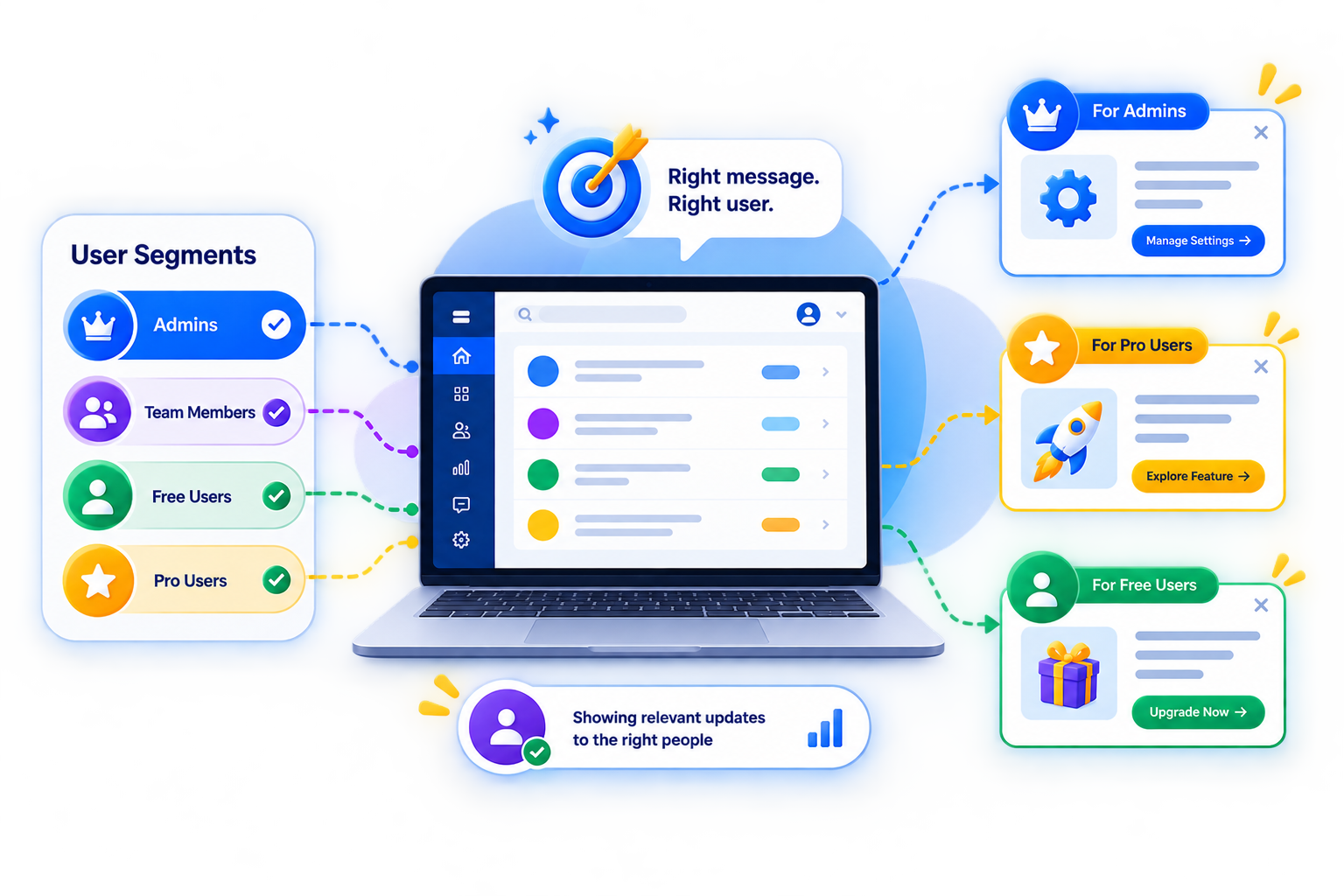 Stop hoping users read the email. Tell them inside the product. FAQs |