Summarize and analyze this article with:
Banners for Web Applications and Mobile Applications
“Banners” in web and mobile applications are visual UI elements used to communicate information, promote actions, display alerts, or advertise content. The exact meaning depends on context, but banners generally appear as horizontal or rectangular sections placed prominently in the interface.
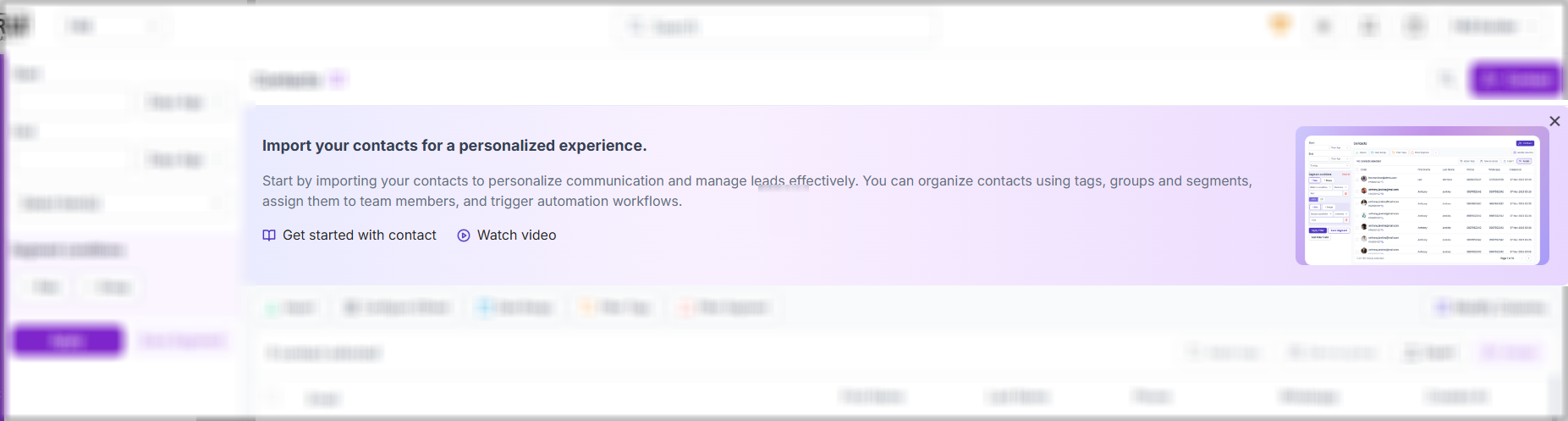 App Banners in PagePilotIn FAB Builder Page Pilot, you can create any type of App Banners Quickly and easily specially using popular pre-defined templates. Banners are important in web and mobile applications because they help applications communicate effectively with users, guide user actions, improve engagement, and support business goals without interrupting the user experience too aggressively. Types of Supported Banners
Key Characteristics of Good BannersEffective banners are usually:
 Web ApplicationBuilding wealth through research, ethics, and personalised strategy — guided by real market experts. Mobile AppsIn-depth analysis of your existing investments with smart rebalancing for better risk-adjusted returns.Business Impact of Effective BannersWell-designed banners can improve:
Poorly designed banners can:
Engagment StrategistBuilding wealth through research, ethics, and personalised strategy — guided by real market experts.Growth AdvisorIn-depth analysis of your existing product with smart rebalancing for better user engament in product.Why Banners Matter1. Improve Communication with UsersBanners provide a clear and visible way to share important information. Examples:
Without banners, users may miss critical information. 2. Increase User EngagementPromotional banners attract attention to features, offers, or content. Examples:
Good banners can:
3. Guide User ActionsBanners help direct users toward desired actions using call-to-action buttons. Examples:
This improves user onboarding and workflow completion. 4. Enhance User Experience (UX)Well-designed banners communicate information efficiently without forcing users into disruptive popups or dialogs. Compared to intrusive modals:
They support a cleaner and more user-friendly experience. 5. Support Business and Marketing GoalsOrganizations use banners to:
For many applications, banners are an important marketing channel. 6. Provide Real-Time FeedbackApplications use banners to confirm actions or show system status. Examples:
This reassures users and reduces confusion. 7. Improve Accessibility and VisibilityImportant information placed in banners is easier to notice because banners are:
This helps users quickly understand priorities. 8. Enable Non-Blocking NotificationsBanners are often preferred over popups because they:
This balances visibility with usability. Commonly Used Banners Types
Key Characteristics of Good BannersEffective banners are usually:
Multi Language SupportContent writer can easily add support for multiple language in the banner once integrated properly without need of developer Conclusion |