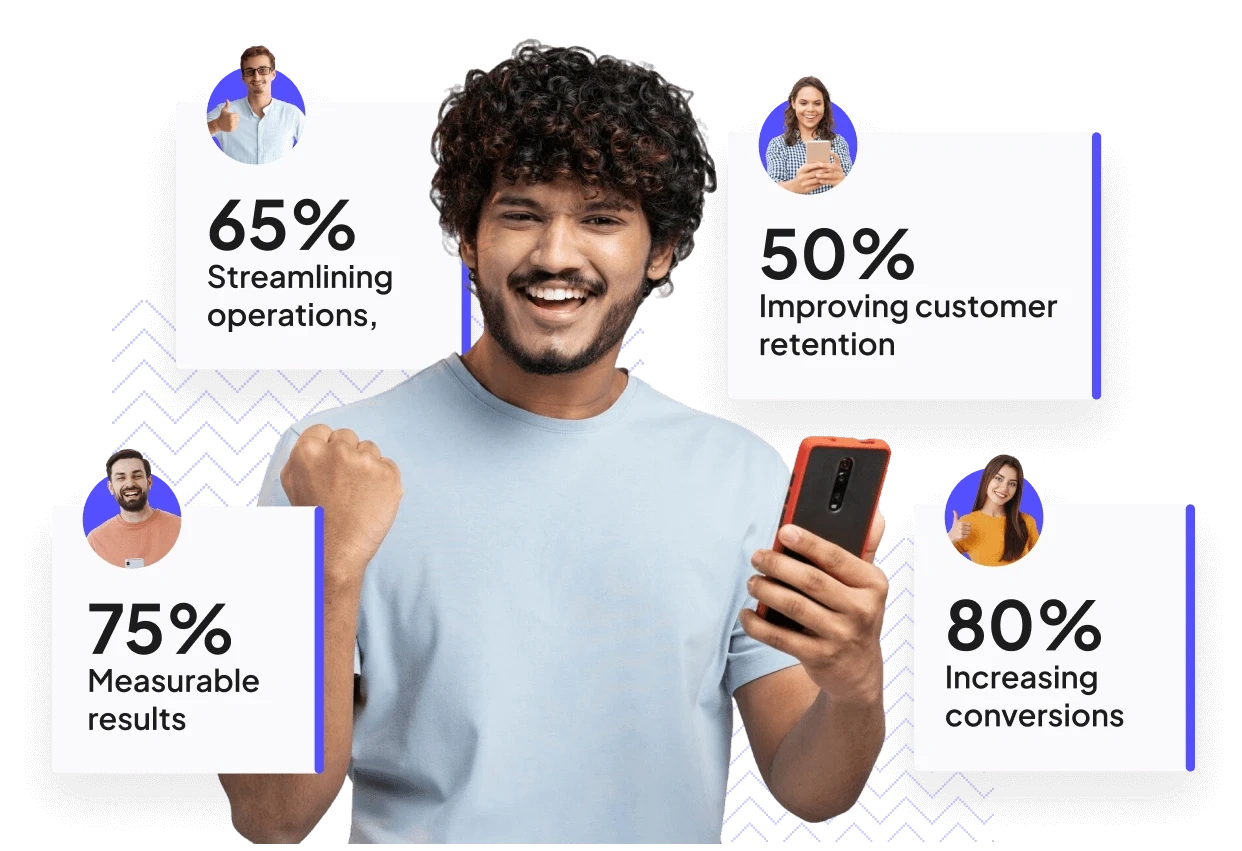
Transform User Experience with Interactive In-App Onboarding Tours & Reduce Drop-Offs
Struggling with user drop-offs? Guide users seamlessly with interactive onboarding tours, in-app guides, and FAQs using Page Pilot. Simplify onboarding and improve user experience.
Create Powerful In-app Onboarding Tours, Tooltips & In-App Guides Effortlessly
What if your users didn’t just sign up for your product, but actually stayed because their very first experience was seamless, clear, and engaging?
For most apps, the first experience becomes the breaking point. Complicated navigation, hidden features, and unclear workflows often frustrate users, leading to drop-offs before they even discover the true value of your product.
The result? Missed adoption opportunities, higher churn, and a struggling user base.
This is why onboarding tours/tooltips, guided walkthroughs, and contextual in-app support have become essential for every modern product. Instead of overwhelming users with too much information or leaving them stranded without guidance, onboarding tours provide a structured, step-by-step path through your product. From the moment a user signs in, they’re shown exactly what to do, when to do it, and why it matters—building confidence instead of confusion.
With onboarding tours/ tooltips, you can highlight important actions in real time, ensuring users never miss a key feature. Interactive checklists and completion badges give them a sense of accomplishment, motivating them to continue exploring. And for those moments when additional help is needed, built-in FAQs and instant support are only a click away, reducing dependency on external documentation or lengthy support requests.
The outcome is clear: faster adoption, happier users, fewer support tickets, and stronger retention. By making onboarding simple and intuitive, you transform the very first impression into long-term product success.
What is Page Pilot?
Page Pilot is a no-code user onboarding and engagement tool. It enables businesses to create interactive in-app tours, tooltips, banners, FAQs, and in-app pages without any coding expertise. This platform is designed to enhance user onboarding, reduce churn, and boost feature adoption by providing contextual guidance and support directly within the application.
What Are Onboarding Tours and Why Are They Important?
In today’s competitive digital landscape, users expect more than just a functional app—they want clarity, guidance, and confidence from their very first interaction. Yet, many apps fail to deliver this, and the result is high drop-off rates, low feature adoption, and frustrated users who never see the true value of the product.
This is where user onboarding tours become essential. By providing a structured, interactive walkthrough of your app, onboarding tours ensure that users understand key features, complete important actions, and feel confident navigating your product. Instead of relying on static emails, external tutorials, or generic help documentation, onboarding tours deliver guidance directly inside the app, at the exact moment users need it.
Page Pilot takes this to the next level with no-code onboarding tours that are easy to implement and highly effective. With Page Pilot, you can create step-by-step guided tours, contextual tooltips, progress-tracking checklists, and completion badges that engage users from the moment they start using your app. Built-in FAQs and in-app support ensure that answers are always available, reducing frustration and support tickets.
The benefits are clear: faster product adoption, higher user engagement, reduced churn, and a more satisfied user base. For SaaS products, startups, and enterprise apps alike, onboarding tours aren’t just a nice-to-have—they are a critical factor for long-term success and growth.
What Are the Common Onboarding Challenges That Lead to User Drop-Offs?
Even the most well-designed apps can struggle with user retention if onboarding is not executed effectively. Many users abandon products during the first few minutes or days because the experience feels confusing or overwhelming. Understanding the common onboarding challenges can help businesses identify gaps and improve user engagement.
1. Complex Workflows and Navigation
When users can’t figure out how to navigate your app or complete essential tasks, frustration sets in quickly. Confusing menus, hidden features, and unclear instructions lead to disengagement and early churn.
2. Lack of Real-Time Guidance
Traditional onboarding methods like emails, PDF manuals, or video tutorials are often disconnected from the product experience. Users may forget steps or miss instructions entirely without contextual, in-app guidance.
3. Low Feature Discovery
Critical features often go unnoticed if users are not guided through them. Low feature adoption impacts the overall value users perceive from your product and reduces engagement over time.
4. High Support Ticket Volume
Without proactive guidance, users turn to customer support for answers to simple questions. This increases operational costs and delays resolution, further frustrating users.
5. Poor Progress Tracking
When users don’t know what they’ve completed or what steps are next, onboarding can feel overwhelming. Lack of clarity causes users to abandon the process before realizing full product value.
Page Pilot addresses all these issues with no-code onboarding tours, contextual tooltips, checklists, and in-app FAQs. Users receive step-by-step guidance, see progress as they go, and have instant access to help without leaving the app. This reduces confusion, increases adoption, and ensures users remain engaged from day one.
By tackling these onboarding challenges effectively, businesses can boost user engagement, reduce churn, and improve long-term retention, turning first-time users into loyal customers.
How Interactive Onboarding Tours Reduce User Drop-Offs
User drop-offs during the onboarding phase are a common challenge for apps, SaaS platforms, and digital products. Many users abandon apps not because the product lacks value, but because they feel lost, confused, or overwhelmed during their first interactions. Interactive onboarding tours are a proven solution to reduce these early churn points and ensure users stay engaged.
1. Guide Users Step by Step
Interactive onboarding tours walk users through essential workflows and features, providing clear
instructions at the exact moment they need them. Step-by-step guidance reduces confusion and prevents users from getting stuck.
2. Highlight Key Features with Tooltips
Critical features often go unnoticed if users are left to explore on their own. Tooltips
embedded in onboarding tours draw attention to important actions, buttons, and workflows, helping users understand and adopt features faster.
3. Increase Engagement Through Interactivity
Allowing users to perform actions during the tour, rather than just reading instructions, reinforces learning. Interactive elements keep users engaged, making them more likely to complete the onboarding process.
4. Provide Instant Support
Integrating in-app FAQs, help links, and contextual guidance ensures users can get answers instantly if
they encounter difficulties. Reducing friction during onboarding prevents frustration that often leads to drop-offs.
5. Track Progress and Motivate Users
Using completion badges, checklists, or progress indicators gives users a sense of achievement. When users can see how far they’ve come and what remains, they are more likely to continue exploring and engaging with the app.
6. Optimize With Data-Driven Insights
Monitoring completion rates, engagement metrics, and user behavior during onboarding tours
allows teams to identify where users struggle. Iterating based on analytics ensures continuous improvement, reducing drop-offs even further.
By implementing interactive onboarding tours, businesses can guide users effectively, ensure critical features are discovered, and create a frictionless first experience. This results in higher retention, improved feature adoption, and long-term user loyalty.
How Onboarding Tours Improve User Engagement and Feature Adoption in Apps
A seamless user experience starts with effective onboarding. Many apps struggle not because of their functionality, but because users don’t know how to navigate, explore, or engage with key features. Guided product tours solve this problem by delivering clear, step-by-step instructions directly inside the app, helping users understand and utilize your product from day one.
Why Guided Tours Are Critical
Traditional onboarding methods—emails, PDFs, or video tutorials—often fail to engage users in real time. Users forget steps, miss important features, or abandon the app altogether. Guided tours address these challenges by:
- Providing step-by-step walkthroughs that direct users through critical workflows and actions.
- Highlighting essential features with tooltips, ensuring users never miss what’s important.
- Tracking progress with interactive checklists and completion badges, motivating users to complete onboarding and explore more of the app.
- Offering instant in-app support and FAQs, so users get help without leaving the product.
How to Use Tooltips to Highlight Key App Features
Tooltips are one of the most effective ways to guide users and ensure they notice important functionality within your app. By delivering contextual, real-time guidance, tooltips help users understand features without interrupting their workflow or relying on external documentation.
Why Tooltips Are Essential for User Engagement
Many users abandon apps not because the product lacks value, but because they miss key actions or features. Tooltips address this by:
- Highlighting buttons, menus, or workflows at the exact moment users need them.
- Explaining complex features step by step with clear, concise messaging.
- Reducing confusion, minimizing errors, and improving confidence in using the product.
What Are the Best Practices for Creating Effective Onboarding Tours?
Onboarding tours are critical to helping users understand your app, adopt features quickly, and stay engaged. However, a poorly designed tour can confuse users and increase drop-offs. Following best practices for onboarding tours ensures that your users get the guidance they need without feeling overwhelmed.
1. Keep Tours Short and Focused
Users are most attentive during the first few minutes of using an app. Break complex workflows into
small, digestible steps, and focus each onboarding tour on a single feature or task. Short, targeted tours improve retention and prevent cognitive overload.
2. Use Contextual Guidance
Place tooltips, prompts, and highlights exactly where users need them. Contextual guidance ensures
that instructions are relevant and actionable, helping users understand features without guessing or searching.
3. Incorporate Progress Indicators
Interactive checklists, step counters, or completion badges motivate users to continue the tour.
Progress indicators provide a sense of achievement and clarity on what steps remain.
4. Include Interactive Elements
Allow users to perform tasks directly within the tour instead of just reading instructions. Interactive
walkthroughs engage users, reinforce learning, and accelerate feature adoption.
5. Offer Optional Support
Not every user learns at the same pace. Embed FAQs, help links, or tooltips that users can access anytime during the tour. This reduces frustration and ensures a smoother onboarding experience.
6. Test and Iterate Using Analytics
Monitor user behavior during onboarding tours. Track completion rates, engagement, and feature
adoption to identify friction points. Continuously refine tours based on data to improve effectiveness over time.
By following these best practices for onboarding tours, businesses can ensure users feel confident, engaged, and motivated to explore their app. Effective onboarding tours not only reduce drop-offs but also increase feature adoption, user satisfaction, and long-term retention.
How Built-In FAQs and In-App Support Reduce User Frustration
No one likes getting stuck in an app without knowing what to do next. When users can’t find answers or get help quickly, confusion sets in, tasks are left incomplete, and engagement drops. Traditional support channels like emails or external guides often take too long and disrupt the experience.
That’s why built-in FAQs and in-app support are so important—they guide users exactly when they need it.
Why Users Love In-App Support
- Instant Answers: Users don’t have to leave the app to figure things out—they get help right where they are.
- Contextual Guidance: Support shows up at the right time, helping users complete tasks smoothly.
- Less Frustration: By answering questions proactively, users feel more confident and engaged.
How Onboarding Tours Increase User Engagement and Retention
User engagement and retention are critical metrics for the success of any digital product, whether it’s a mobile app, SaaS platform, or enterprise software. One of the most effective ways to boost both is through interactive onboarding tours that guide users from their very first experience.
1. Immediate Value Delivery
Onboarding tours ensure that users understand key features and workflows right away. When users quickly see how the app solves their problems or meets their needs, they are more likely to continue using it. Immediate value fosters satisfaction, trust, and long-term engagement.
2. Encouraging Exploration
Guided tours highlight hidden or advanced features that users might otherwise miss. By showing users the full capabilities of the product, onboarding tours encourage exploration, keeping users active and engaged.
3. Personalized Experiences
Onboarding tours can be tailored based on user behavior, role, or preferences. Personalized guidance makes the app feel intuitive and relevant, enhancing the overall user experience and increasing the likelihood of repeated use.
4. Reducing Friction and Frustration
Users often abandon apps due to confusion or difficulty in completing tasks. Onboarding tours provide clear instructions, contextual tooltips, and step-by-step walkthroughs, eliminating friction and minimizing frustration. A smooth onboarding experience directly impacts user retention.
5. Tracking Progress and Rewarding Milestones
Checklists, completion badges, and progress indicators give users a sense of accomplishment. When users feel successful and confident navigating the app, they are more likely to remain active over time.
6. Continuous Feedback and Improvement
Interactive onboarding tours often integrate in-app feedback and analytics, allowing businesses to understand user behavior and optimize the onboarding experience. This data-driven approach ensures that engagement strategies evolve alongside user needs.
By implementing well-designed onboarding tours, businesses can increase feature adoption, long-term engagement, and user retention, transforming first-time users into loyal customers who continue to derive value from the app.
What Are the Benefits of Using Page Pilot for Onboarding Tours
Implementing Page Pilot onboarding tours offers a comprehensive solution for businesses looking to enhance user engagement, retention, and overall product success. By combining guided tours, contextual tooltips, interactive checklists, in-app FAQs, and dynamic in-app pages, Page Pilot ensures that users understand your product quickly, adopt features effectively, and remain engaged over time.
1. Increase Product Adoption and Feature Usage
Onboarding tours ensure that new users discover critical features immediately.
Step-by-step guidance, interactive tooltips, and progress tracking help users explore your app confidently, resulting in higher feature adoption and more consistent usage. Businesses can maximize ROI on product development by ensuring every feature gets noticed and utilized.
2. Boost User Engagement and Long-Term Retention
Interactive onboarding experiences keep users actively engaged from the first session. Guided tours, completion badges, and interactive walkthroughs make learning the product enjoyable, increasing user satisfaction and encouraging continued use. Long-term retention improves as users consistently see value and understand how to navigate the app efficiently.
3. Reduce Support Tickets and Operational Costs
By providing real-time guidance and built-in FAQs, Page Pilot reduces the number of repetitive support queries. Users can find answers instantly without reaching out to support, saving your team time and lowering operational costs. This proactive approach to user assistance also prevents frustration and drop-offs.
4. Enhance Customer Satisfaction and Loyalty
A seamless onboarding experience creates a positive first impression. Users feel confident, capable, and supported, which strengthens trust in your product. Satisfied users are more likely to remain loyal, upgrade to premium features, and recommend your product to others, driving long-term growth.
5. Gain Actionable Insights Through In-App Analytics
Page Pilot provides real-time data on how users interact with onboarding tours, tooltips, and in-app guidance. Track completion rates, feature usage, and engagement metrics to identify friction points and opportunities for improvement. These insights allow product teams to continuously optimize the onboarding process, ensuring a data-driven approach to user experience.
By leveraging Page Pilot for onboarding tours, businesses can turn first-time users into engaged, loyal customers while reducing churn, support costs, and missed opportunities. The result is a smarter, more efficient onboarding process that drives growth, satisfaction, and long-term success.
Who Should Use Page Pilot for Onboarding Tours and In-App Guidance
Page Pilot is designed to meet the needs of a wide range of businesses and product teams looking to improve user onboarding, engagement, and retention. Its no-code, interactive onboarding tours and in-app guidance tools make it an ideal solution for organizations of all sizes.
1. Founders
For founders, time and resources are often limited. Page Pilot allows founders to implement interactive onboarding tours, tooltips, and checklists without relying on development teams. This accelerates product adoption, reduces early churn, and ensures that new users quickly see the value of the software.
2. Product Managers
Product managers can use Page Pilot to streamline feature rollouts, training, and onboarding across their user base. By creating step-by-step guided tours, contextual tooltips, and progress-tracking checklists, product managers can ensure that users understand and adopt new features effectively. This reduces confusion, minimizes support requests, and improves user satisfaction.
3. Marketing Teams
Marketing teams benefit from Page Pilot’s ability to deliver targeted in-app campaigns, banners, and announcements directly to users. Whether promoting new features, product updates, or special offers, marketers can communicate in a way that’s timely, contextual, and engaging—without disrupting the user experience.
4. Enterprises
Large organizations can use Page Pilot to scale onboarding, training, and support across multiple teams and departments. Dynamic in-app pages, interactive walkthroughs, and embedded FAQs ensure consistency and high-quality guidance, even for complex enterprise products. This helps employees and customers alike navigate software efficiently.
No matter the size of your organization, type of product, or industry, Page Pilot empowers teams to guide users effectively, increase engagement, and retain customers. Its no-code approach ensures that creating onboarding tours, tooltips, and interactive experiences is fast, easy, and measurable, helping your business drive adoption, satisfaction, and growth.
Ready to Transform Your User Onboarding and Engagement?
Don’t let users get lost or disengaged during their first interactions with your app. With Page Pilot’s no-code onboarding tours, interactive tooltips, checklists, in-app FAQs, and dynamic guidance tools, you can simplify onboarding, guide users step by step, and ensure they discover the full value of your product.
Create measurable, interactive onboarding experiences that:
- Boost user engagement and activity within your app
- Increase feature adoption and ROI on product development
- Reduce support tickets and operational overhead
- Improve user satisfaction, retention, and long-term loyalty
Whether you’re a founder, product manager, marketer, or enterprise team, Page Pilot makes it easy to deliver seamless, intuitive onboarding without writing a single line of code.
Take control of your onboarding process today and turn new users into loyal, engaged customers.
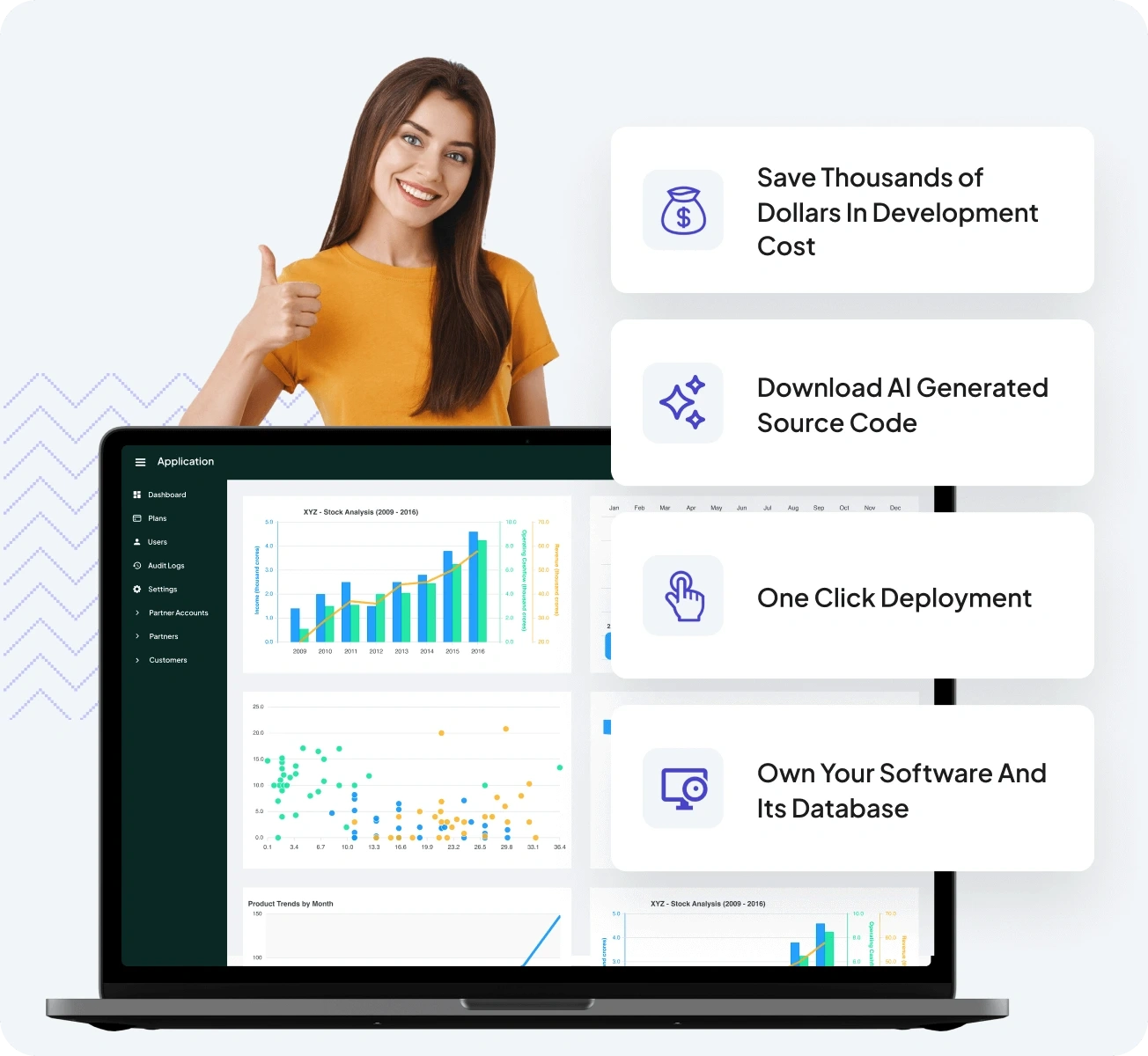
Develop Web & Mobile Apps, With Generative AI
Create custom apps in minutes without any technical expertise.
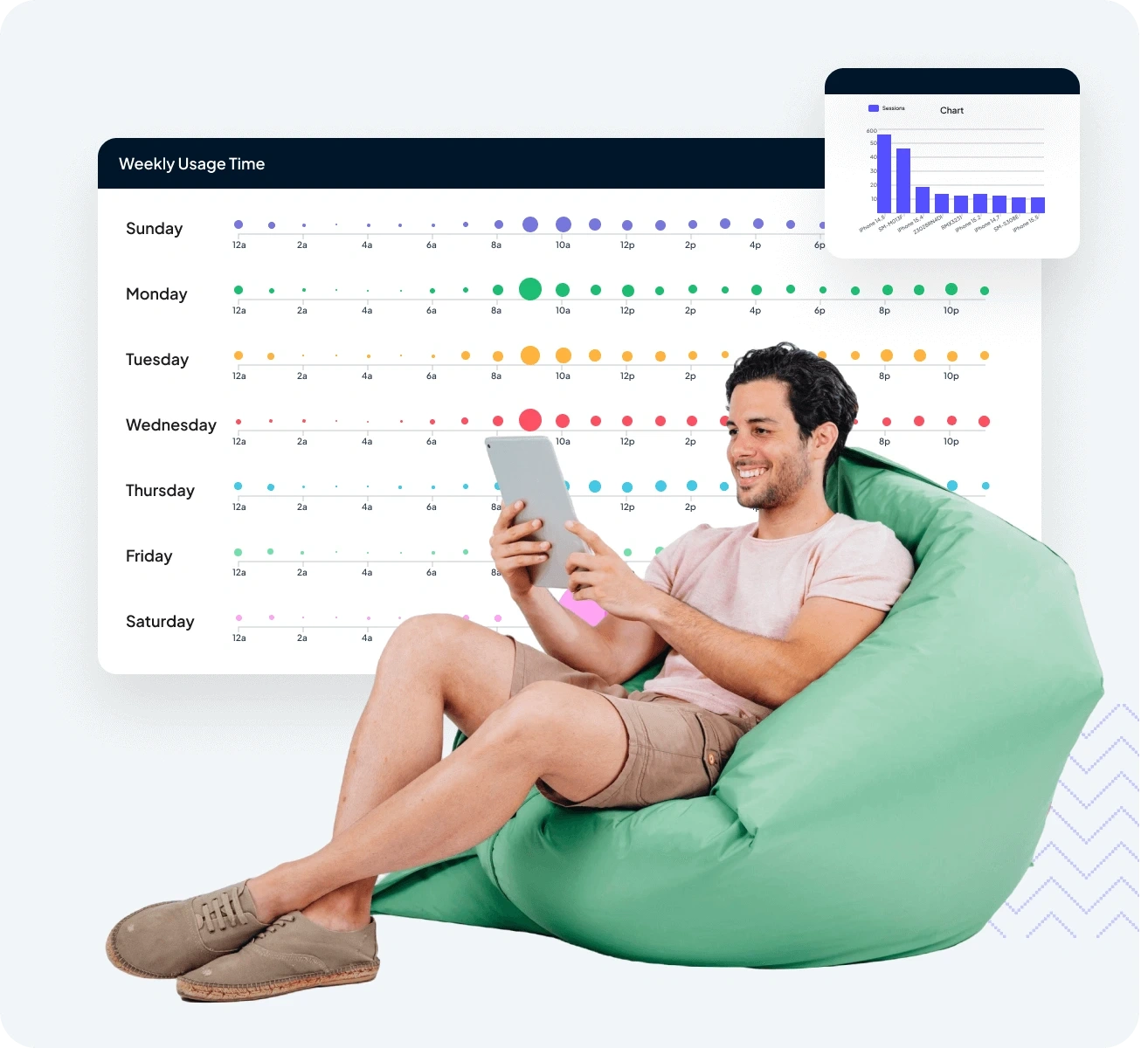
Track and Optimize User Journeys
Gain valuable insights into user behavior and ensure every touchpoint is seamless.
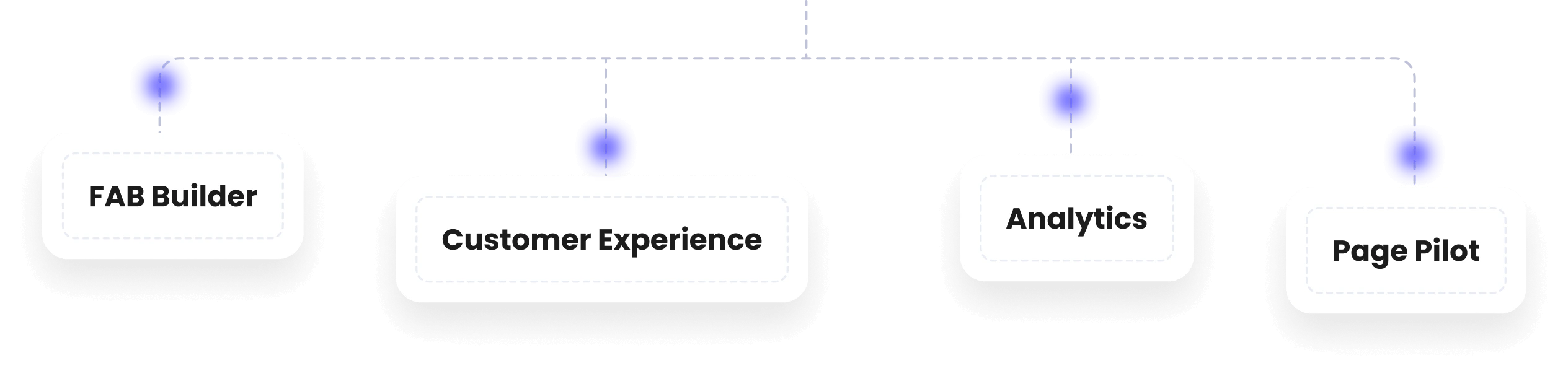
Power Up with the Complete Suite
Build, analyze, engage, and personalize all from one powerful platform.
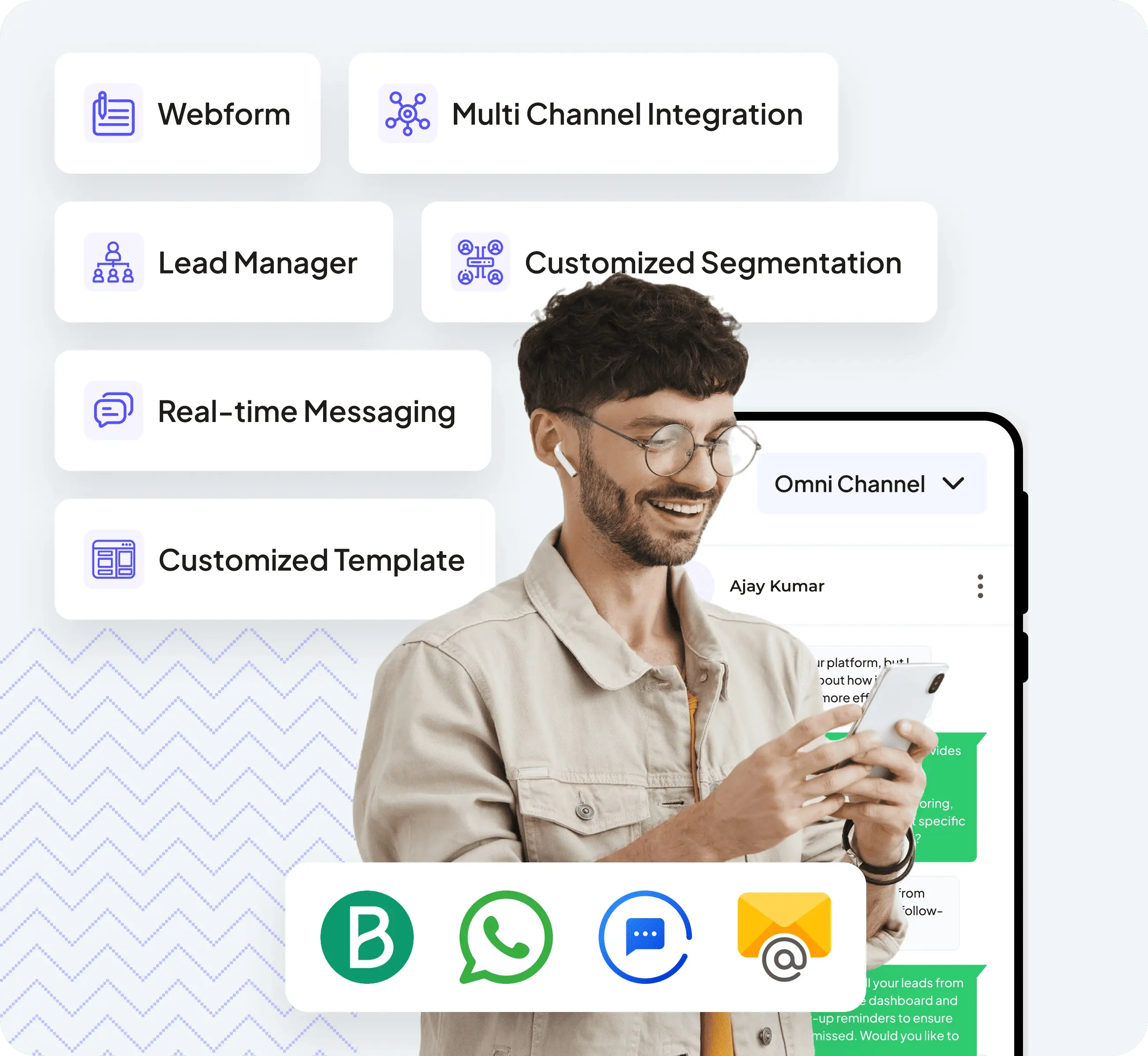
Support That Scales with Your Business
Deliver exceptional customer experiences with lead management, omni-channel communication, and automated workflows.
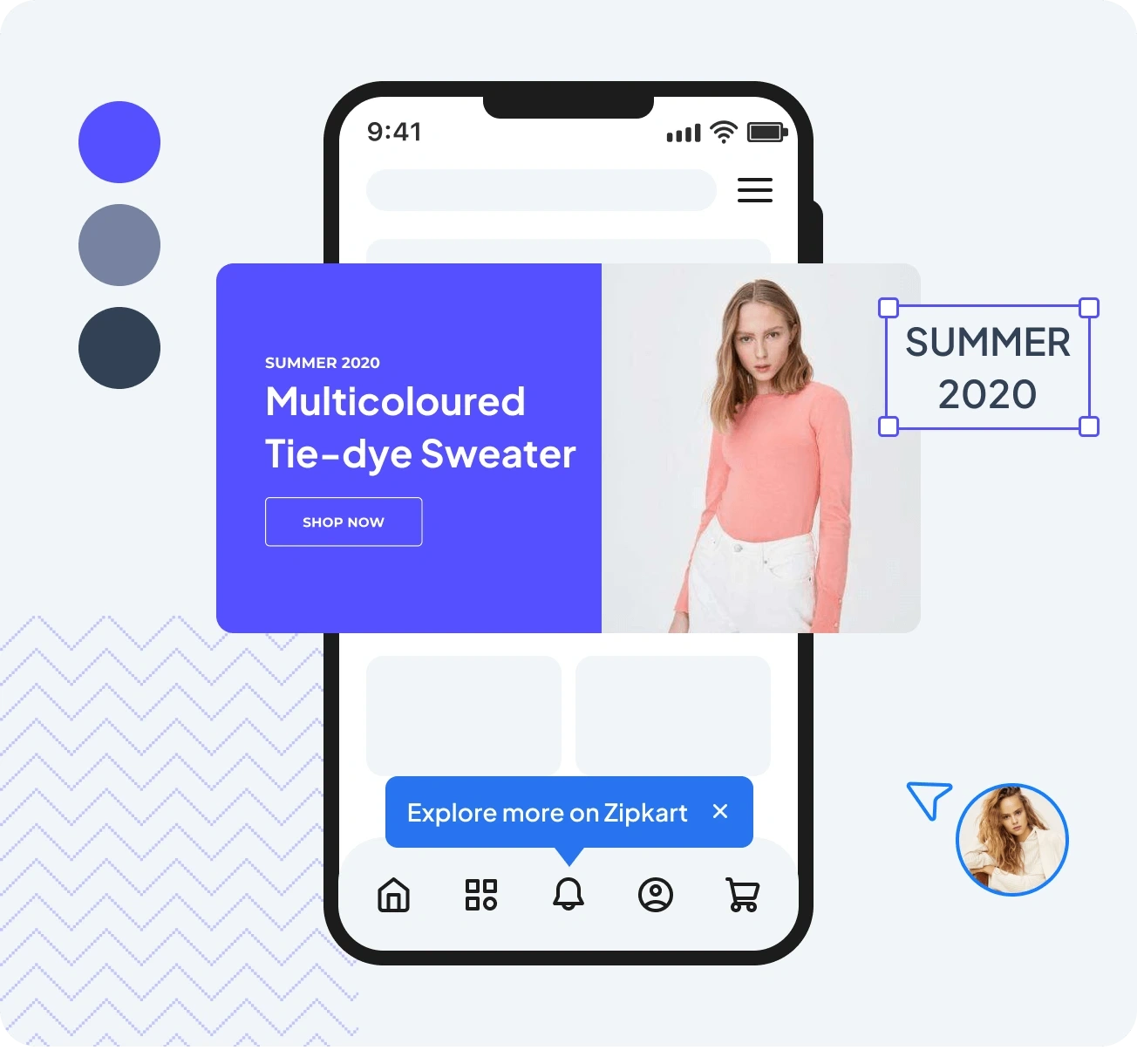
Personalize Every Interaction
Create tailored experiences with tooltips, banners, and in-app guides, and many more to improve engagement
FAQ
Frequently Asked Questions
What is an onboarding tour?
An onboarding tour is a step-by-step, interactive guide within your app that helps users understand features, complete tasks, and get value faster. Page Pilot allows you to create these tours without coding.
How does an onboarding tour improve user adoption?
By guiding users through key features and processes, onboarding tours reduce confusion, prevent drop-offs, and increase engagement, helping users adopt your product more quickly.
Can I create onboarding tours without developers?
Yes. Page Pilot is a no-code platform, so you can build interactive onboarding tours, tooltips, banners, and in-app guides without any technical skills.
What features can I include in an onboarding tour?
Page Pilot allows you to add tooltips, checklists, completion badges, banners, FAQs, and spotlights—everything users need to understand and use your product effectively.
Are onboarding tours suitable for SaaS and mobile apps?
Absolutely. Onboarding tours created with Page Pilot work across web apps, mobile apps, and SaaS platforms, helping guide users seamlessly in any product environment.
How do onboarding tours reduce support requests?
By proactively guiding users and answering common questions in-app, onboarding tours prevent confusion and reduce the number of repetitive support tickets.
Can I track the effectiveness of onboarding tours?
Yes. Page Pilot provides analytics on user progress, engagement, and completion rates, allowing you to optimize onboarding tours and improve user experience over time.